What will you create today?
Free tools
No signup and no watermark. Free users: 5 images per batch (20MB each); members: 20 images (50MB each).
Edit with instructions
ProDescribe what you want in plain language. The AI understands your intent and transforms the image.
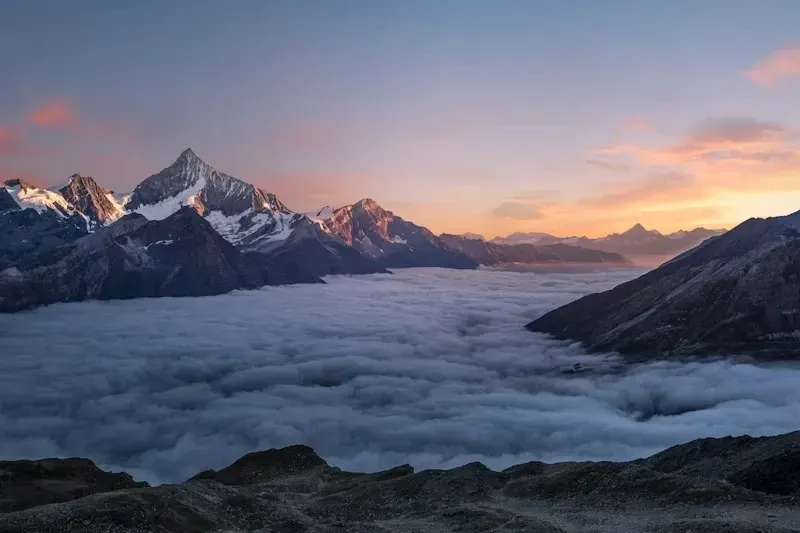
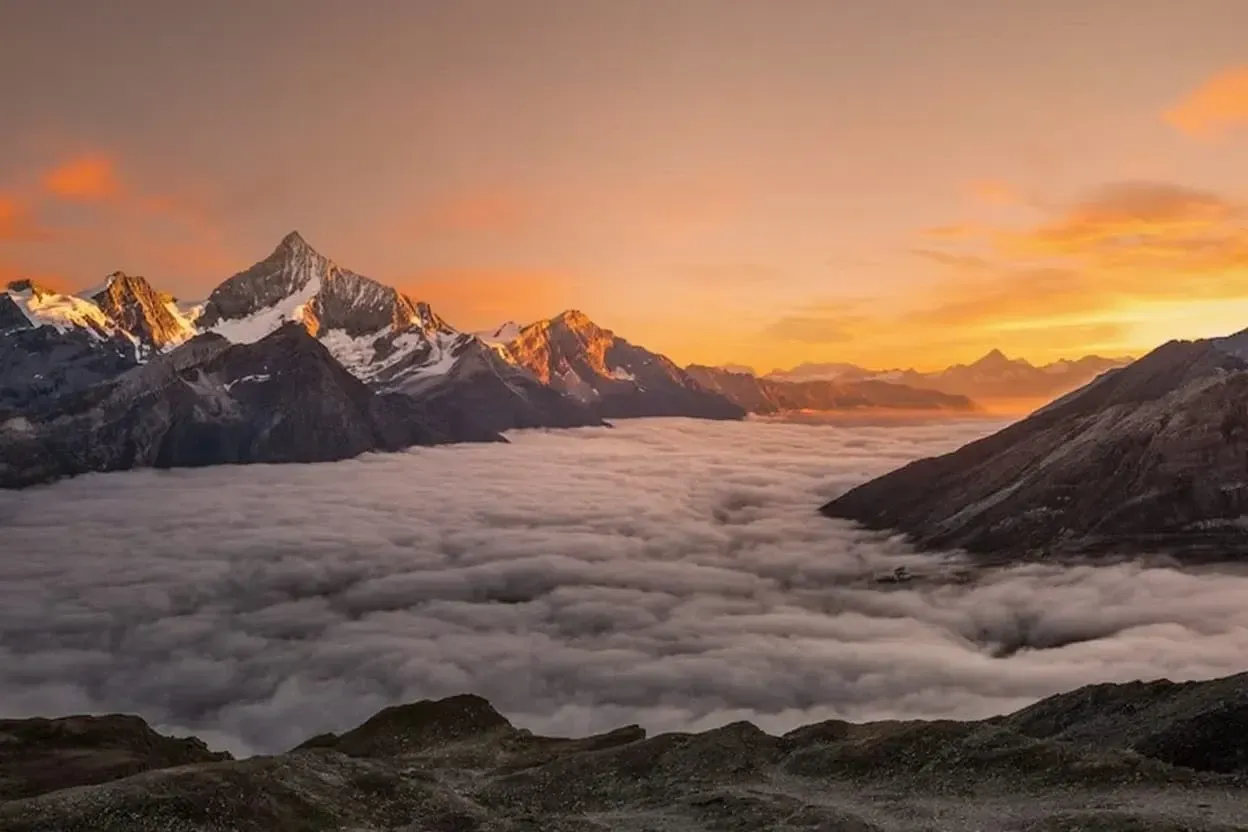
All AI features
ProDrag the slider on each image to see the transformation in real time.

Instruction Editing
Describe what you want in natural language. Change skies, swap colors, adjust mood, or remove watermarks — the AI understands your intent and edits accordingly.
Image Clarification
Recover sharpness and detail from blurry or low-resolution images. Ideal for old photos, screenshots, and compressed files.
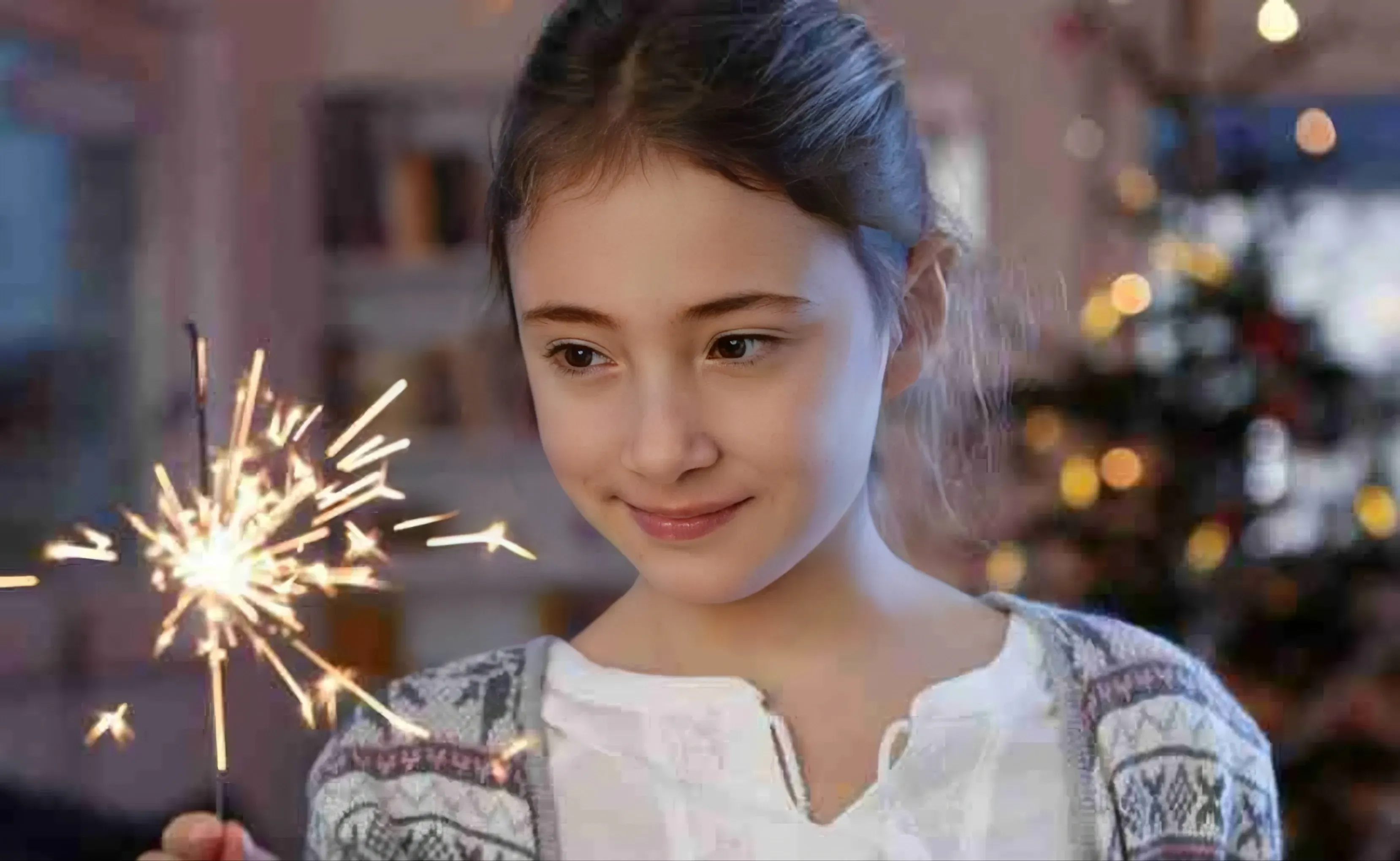

Image Enhancement
Auto-correct colors, exposure, and white balance. Bring dull photos back to life with intelligent adjustments.
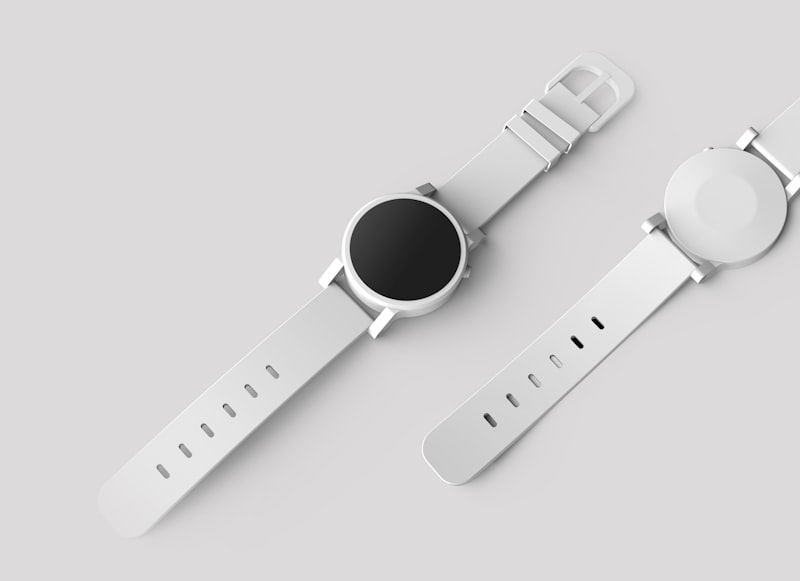
Smart Crop
AI detects the subject and crops intelligently for any aspect ratio. Perfect for social media, thumbnails, and product shots.

OCR Recognition
Extract text from images, screenshots, documents, and handwritten notes. Supports multiple languages with high accuracy.
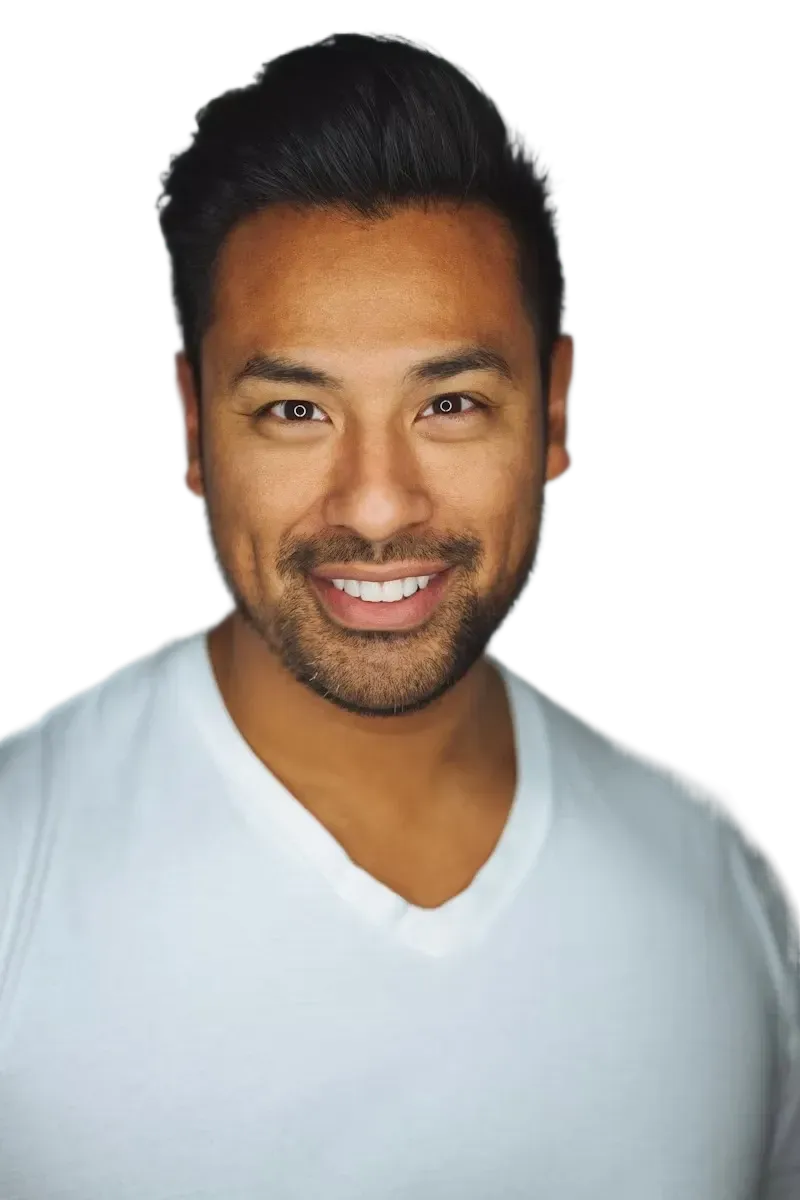

Background Segmentation
Separate subjects from backgrounds with pixel-perfect precision. Export with transparency for compositing and design work.
Universal format support
More input formats, stable output formats, no extra setup.
Local Processing
Images processed in your browser. Nothing uploaded to servers for free tools.
Auto-Delete
Free users' files are automatically deleted within 30 minutes. Member files are stored in the cloud.
No Account Required
Free tools work instantly. No email, no signup, no friction.
Frequently asked questions
Everything you need to know about our tools.
Start Free, No Signup
Compress, resize, convert, and crop your images instantly. No account required, ever.
Unlock AI Power
Instruction editing, text to image, clarification, enhancement, smart crop, OCR, and background segmentation.